Getting Google Ads Certification feels like climbing Mount Everest when you don’t know where to start. You see job postings demanding certified PPC specialists and digital marketing pros, but the process seems confusing as hell.
Here’s the truth: earning your Google Ads Certification through Skillshop isn’t rocket science. Thousands of marketers pass these certification exams every month and land better jobs, win more clients, and boost their marketing career.
The real challenge is knowing exactly what to study, which certifications matter most, and how to pass first try. Time to become a certified professional and unlock those Google Partner benefits.
What is Google Ads Certification?
Google Ads Certification is a free, professional accreditation offered by Google to individuals who show expertise in Google Ads. It’s recognised worldwide and is a must-have for digital marketers, PPC specialists, media buyers, and agencies wanting to show they know their stuff.
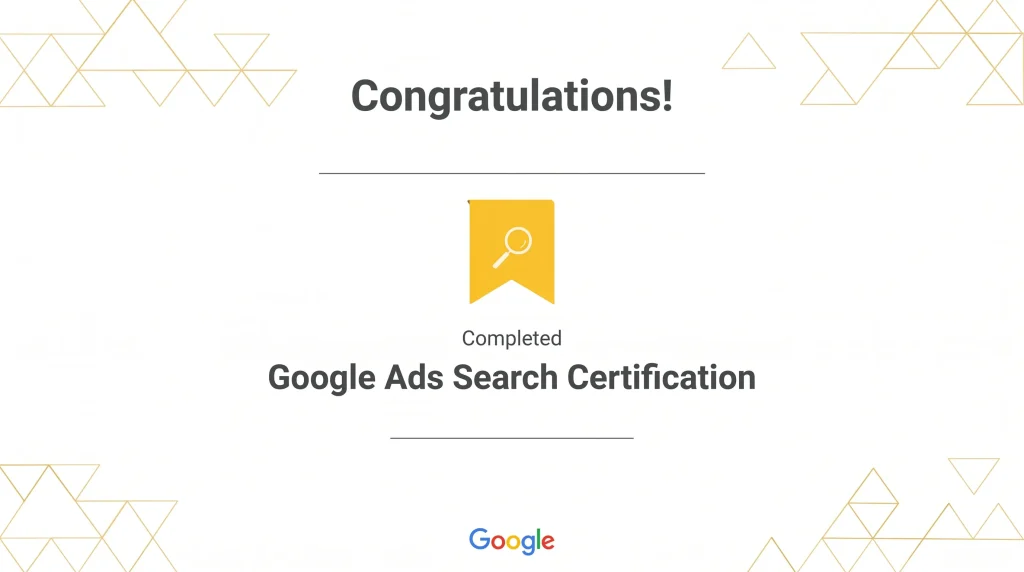
Once you pass a certification exam, Google hands you a digital certificate and badge. You can add this to your CV, LinkedIn, agency website, or pitch decks. It’s not just a badge of honour—it’s proof you can set up, optimise, and measure campaigns on Google Ads like a pro.
Why Should You Get Google Ads Certified?
Types of Google Ads Certifications
Google offers several certifications, each focusing on a different area of Google Ads. Here’s a quick look at what’s on offer in 2026:
| Certification Name | Focus Area | Passing Score | Time Limit |
|---|---|---|---|
| Google Ads Search | Text ads on Google Search | 80% | 75 minutes |
| Google Ads Display | Banner/display ads across Google Network | 80% | 75 minutes |
| Google Ads Video | YouTube and video campaigns | 80% | 75 minutes |
| Shopping Ads | Product ads for e-commerce | 80% | 75 minutes |
| Google Ads Apps | App promotion campaigns | 70% | 75 minutes |
| Google Ads Measurement | Analytics, tracking, and reporting | 80% | 75 minutes |
| AI-Powered Performance/Shopping | Latest AI-driven campaign strategies | 80% | 75 minutes |
| Google Ads Creative | Creative best practices for ads | 80% | 75 minutes |
You can take as many certifications as you like—there’s no limit! Most marketers start with Search or Display, then branch out as needed.
Step-by-Step: How To Get Your Google Ads Certification
Create Your Skillshop Account
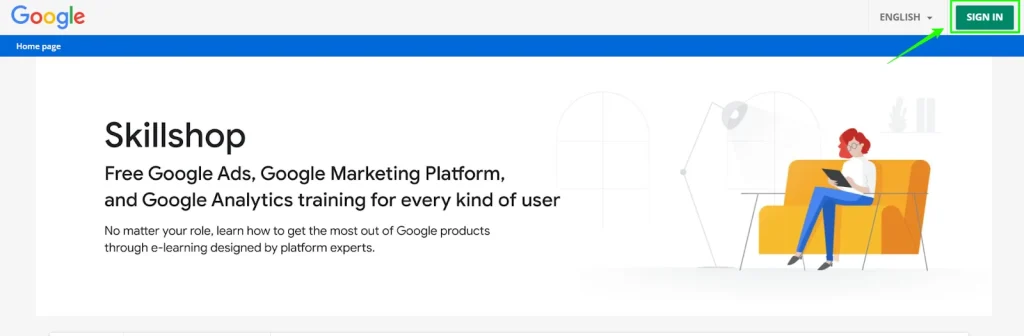
Skillshop is Google’s official training and exam platform for all things Ads. Here’s how to get started:
Choose Your Certification Path
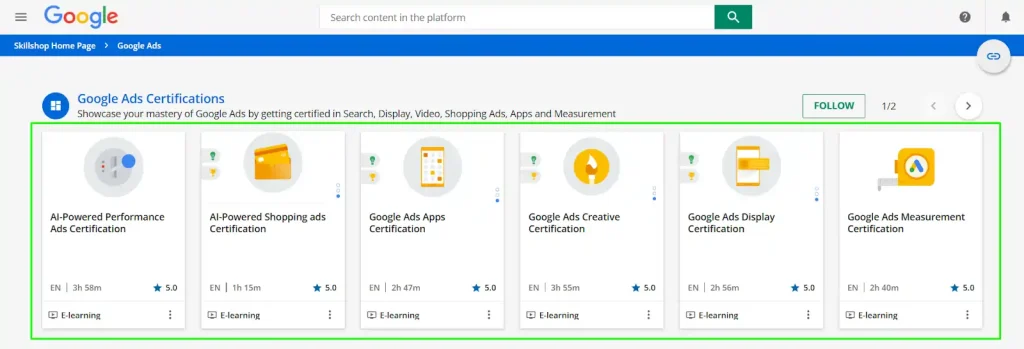
Browse the available certifications and pick the one that matches your goals. If you’re new, start with Google Ads Search or Display. If you’re e-commerce focused, Shopping Ads is your jam.
Study Using Free Google Resources
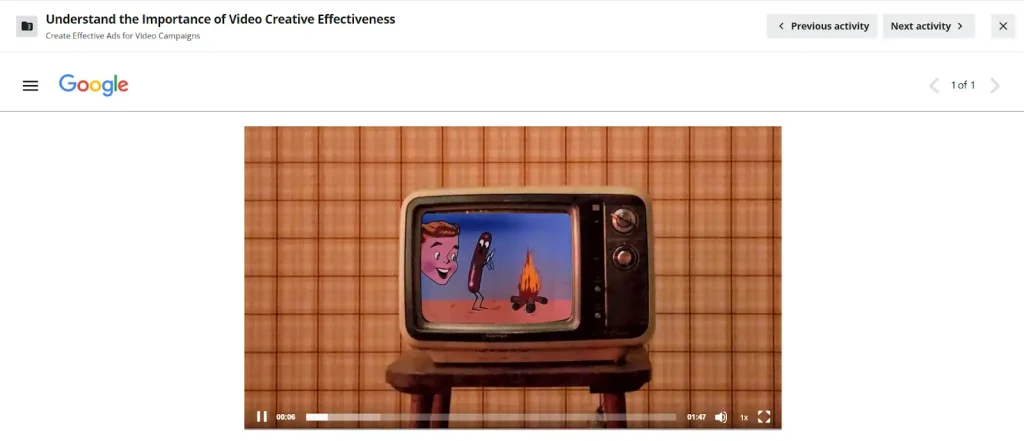
Google provides free, high-quality training modules for each certification. You’ll find:
All these are available on Skillshop for each certification. Don’t skip the modules—even if you’ve run campaigns before, the exams can be tricky and sometimes cover features you might not use every day.
Take Practice Tests
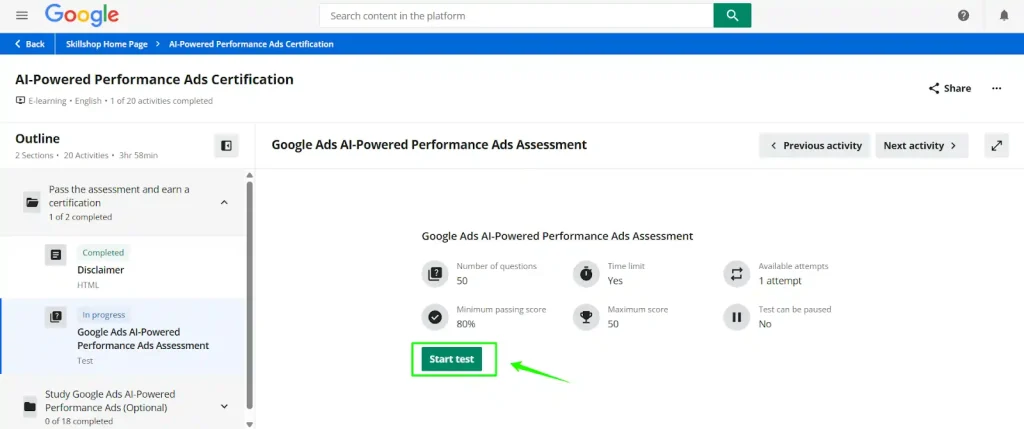
Before you jump into the real exam, try the knowledge check quizzes and sample questions. These are in the same format as the real thing and will help you spot any weak areas.
Sit the Certification Exam
Ready to go? Here’s what you need to know:
Download and Flaunt Your Certificate
Once you pass, you’ll get a digital certificate and badge. Download it and add it to your:
You can also make your Skillshop profile public so potential clients and employers can verify your certification.
Stay Certified: Renew Annually
Google Ads certifications are valid for 12 months. You’ll need to retake the exam each year to stay certified and keep up with the latest updates.
Pro Tips for Passing the Google Ads Exam
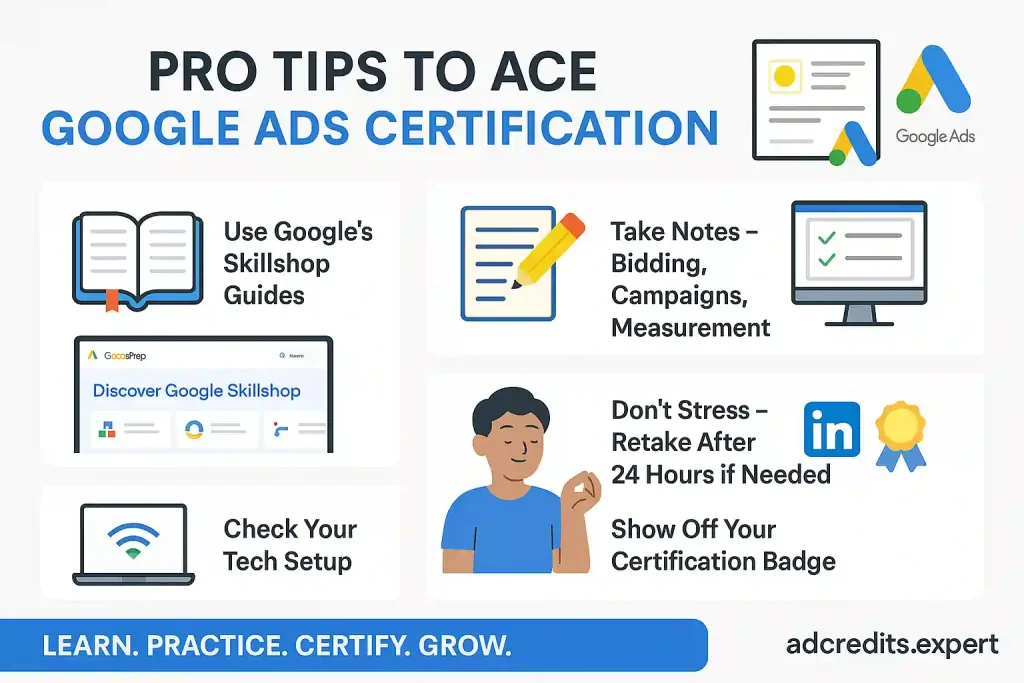
Here’s how to ace your Google Ads certification in one go:
Best Google Ads Training Courses (Free & Paid)
While Google’s Skillshop is the go-to, you can also check out these popular courses for extra prep:
How Agencies Can Use Google Ads Certification
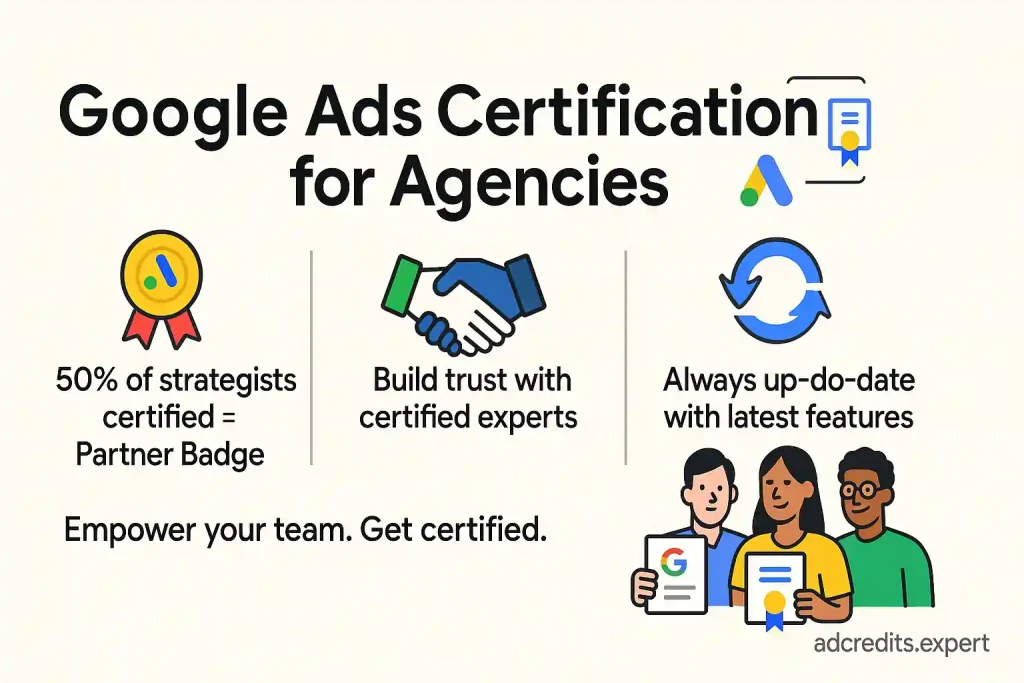
If you run an agency, getting your team certified is a no-brainer. Here’s why:
Final Thoughts: Is Google Ads Certification Worth It?
Absolutely. If you’re a solo affiliate, a blogger, a digital marketing exec, or running a full-blown agency, Google Ads Certification is a must-have. It’s free, respected, and opens doors to better gigs, more clients, and higher pay.
So, what are you waiting for? Jump onto Skillshop, start learning, and get that badge. Your future clients (and your bank account) will thank you for it.
Ready to become a Google Ads certified pro? Hit up Skillshop and get started today—it’s the best move you’ll make for your digital marketing career.
About the author

Jordan Blake
A digital advertising specialist with years of experience in optimizing ad spend and leveraging promotional credits across platforms like Google Ads, Meta Ads, and more.
Similar Posts



Spend $200 → Get $200
Spend $500 → Get $500
Spend $1,000 → Get $1,000
Spend $4,000 → Get $4,000
Spend $6,000 → Get $6,000
Leave a Reply