Stop Wasting Days Filming TikTok Shop Videos
Stop wasting days filming and editing videos that get buried. Pippit AI creates shoppable TikTok Shop videos in under 10 minutes using AI avatars and auto-generated scripts. No camera, no editing software, no talking required.
Your product link turns into viral-ready content with built-in hooks and checkout links. Competitors are already scaling with AI video tools. The question isn’t whether to use them—it’s whether you’ll start today or watch sales slip away.
You can get up to 50% Off on Pippit AI Subscription with our exclusive coupon – we’ll share the details at the end of this guide.
Why TikTok Shop Videos Matter More Than Ever
TikTok Shop achieved $9 billion in gross merchandise value within its first year of US operations, with over 398,000 active stores. More importantly, 81.3% of purchases are from repeat customers, proving that quality video content builds lasting customer relationships.

Here’s what makes TikTok Shop particularly attractive:
The challenge? Creating authentic, engaging content that doesn’t scream “advertisement” while maintaining the production quality that converts browsers into buyers.
What Makes Pippit AI Perfect for TikTok Shop
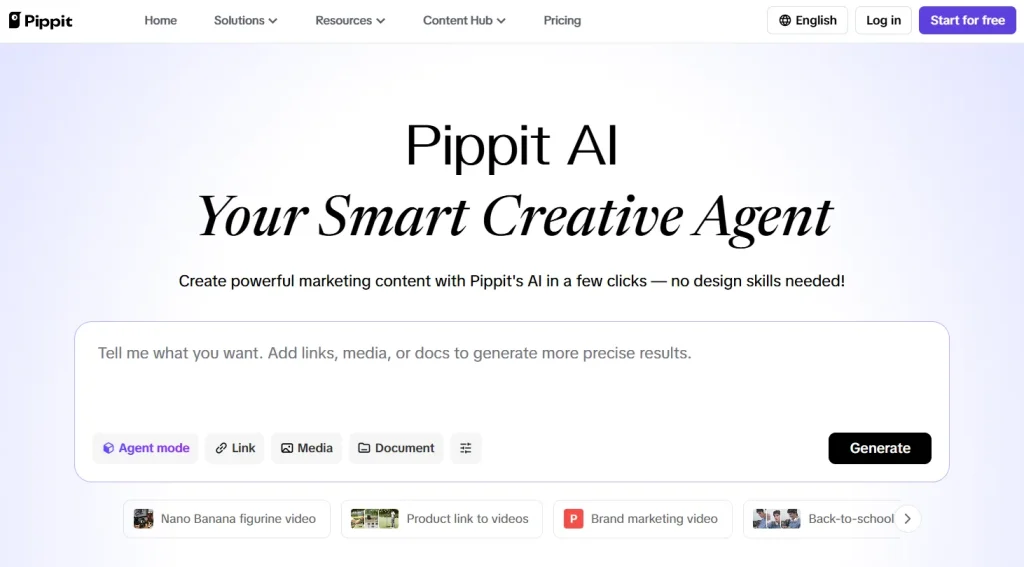
Pippit AI is specifically designed with e-commerce conversion in mind. The platform offers TikTok Shop integration, AI-powered script generation, realistic avatars, and auto-publishing capabilities that make it ideal for busy dropshippers and media buyers.
Key advantages include:
How to Create TikTok Shop Videos with Pippit AI?
Now that you understand why Pippit AI is the ideal tool for creating TikTok Shop videos, let’s walk through the straightforward steps to get your videos done quickly and effectively.
Step 1: Connect Your TikTok Shop Account
The first step involves establishing a direct connection between Pippit AI and your TikTok Shop account. This integration is what sets Pippit apart from generic video generators.
Here’s how to set it up:
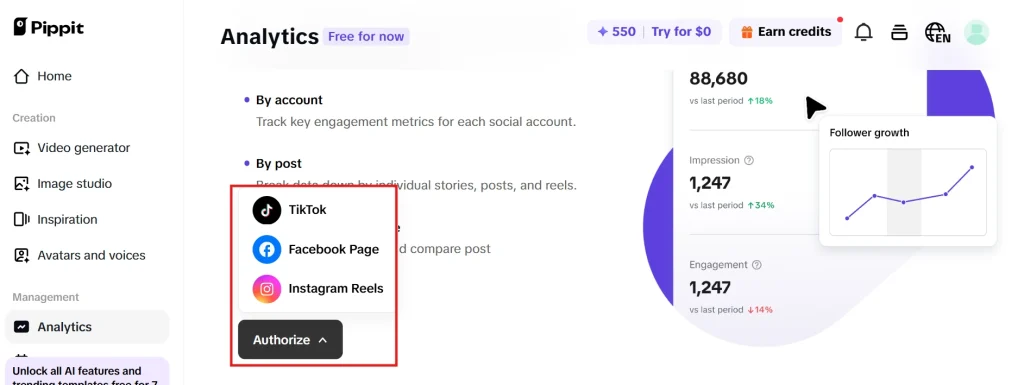
This integration allows Pippit AI to automatically pull product images, descriptions, pricing, and specifications directly from your TikTok Shop listings. No more manual uploads or copy-pasting product details – everything syncs automatically.
Pro Tip: Set up integration during off-peak hours to avoid any potential sync delays.
Step 2: Generate Scripts with AI Script Generator
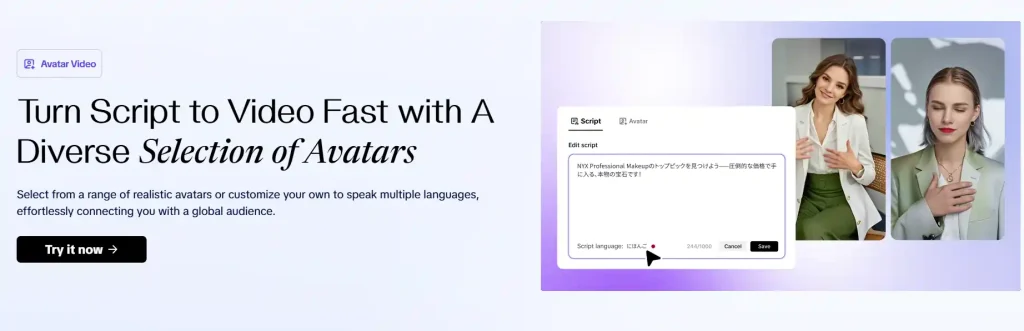
Once your products are connected, Pippit’s AI Script Generator becomes your secret weapon for creating punchy, conversion-focused scripts that resonate with TikTok’s fast-paced audience.
The script generator considers:
To generate scripts:
- Select your connected product
- Choose your target demographic (age, interests, location)
- Pick a script style (educational, testimonial, unboxing, etc.)
- Set the video duration (15, 30, or 60 seconds)
- Click “Generate Script”

The AI typically produces 3-5 script variations within seconds. Each script includes timing cues, emphasis points, and suggested visual transitions to maximise engagement.
Step 3: Create Engaging Visuals with AI Avatars
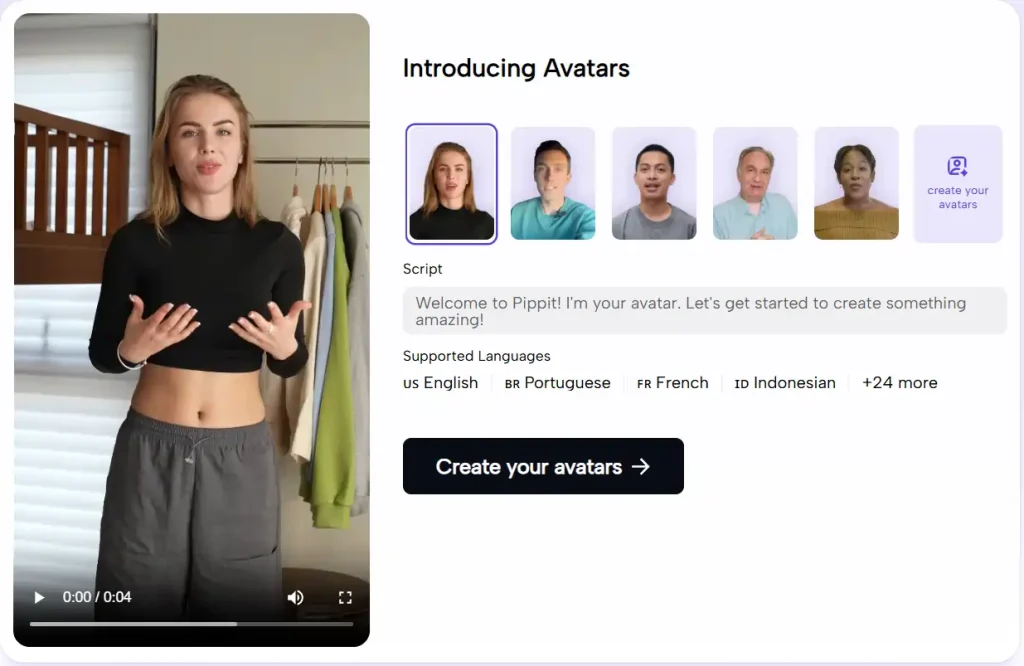
This is where Pippit AI truly shines. The platform offers 30+ realistic AI avatars with different ethnicities, ages, and speaking styles – perfect for testing what resonates with your specific audience.
Avatar Selection Strategy:
Setting Up Your Avatar Video:
- Choose your preferred avatar from the library
- Upload your generated script
- Select voice tone and speed
- Add custom branding elements (logos, colour schemes)
- Preview the avatar delivery
The AI lip-sync technology ensures perfect synchronisation between audio and visual elements, creating videos that look genuinely authentic rather than obviously AI-generated.
Step 4: Assemble & Edit with One-Click Video Solution
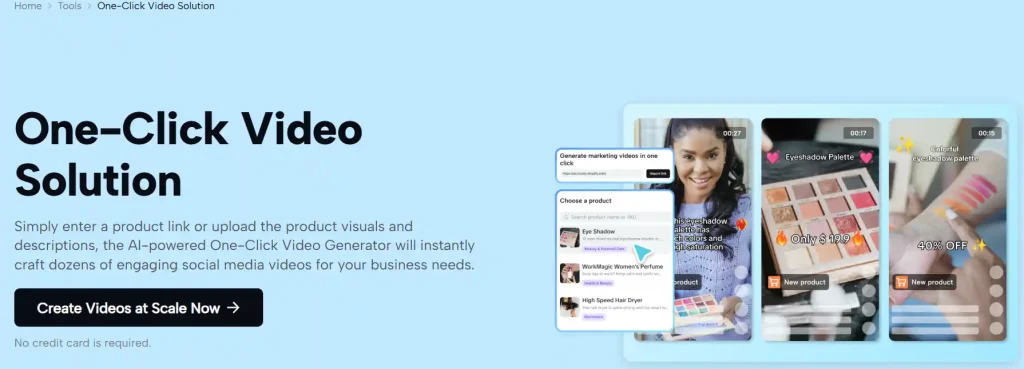
Pippit’s “One Click Video Solution” automatically combines all elements into a polished, ready-to-publish video.
This feature handles:
The platform’s AI analyses current TikTok trends and automatically applies relevant:
This ensures your videos feel current and native to the platform, significantly improving engagement rates.
Step 5: Auto-Publish with Shoppable Links
The final step transforms your video from simple content into a direct sales tool. Pippit’s auto-publishing feature schedules your video to go live on TikTok Shop while automatically embedding shoppable product links.
Publishing Options:
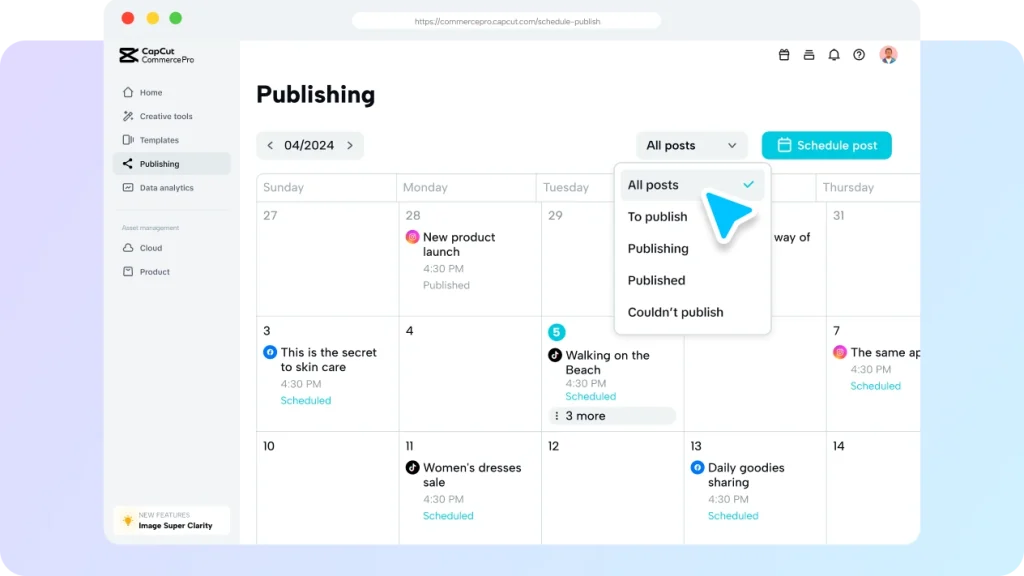
The “Add Product Link” feature ensures viewers can purchase directly from your video without leaving TikTok – a crucial factor for conversion optimization.
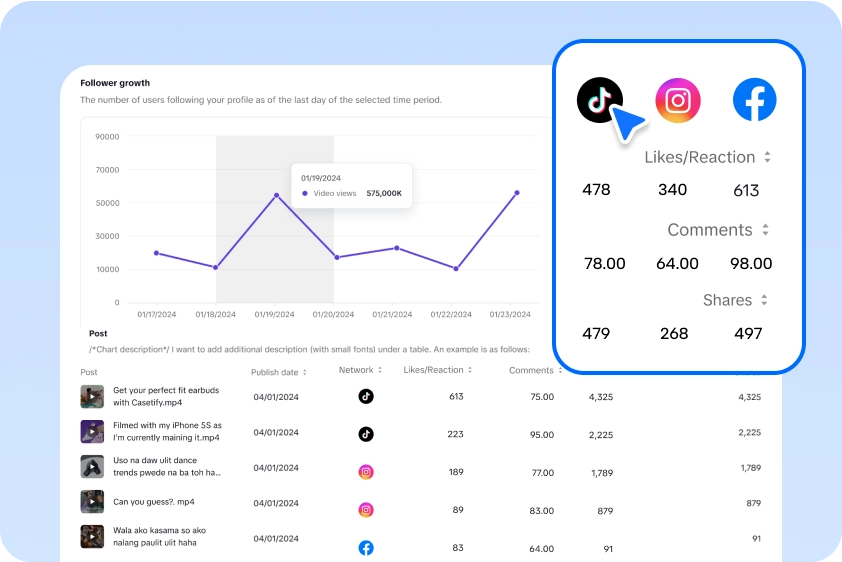
Advanced Features for Power Users
Best Practices for TikTok Shop Video Success
After analysing hundreds of successful TikTok Shop campaigns, here are the proven strategies that separate winners from wannabes:
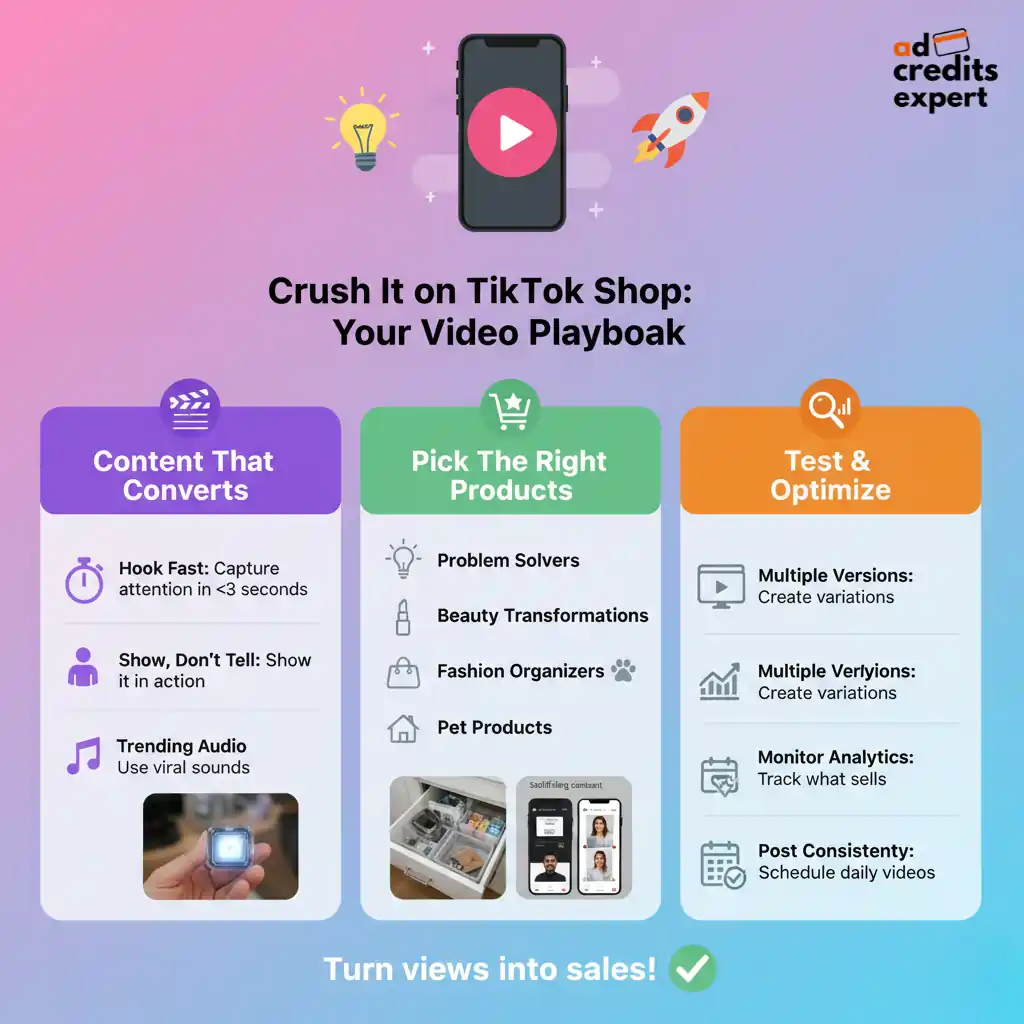
Content Strategy Essentials
Product Selection for TikTok Shop
Not every product works equally well on TikTok Shop. The platform favours:
Optimisation and Testing
Real-World Results and Performance Data
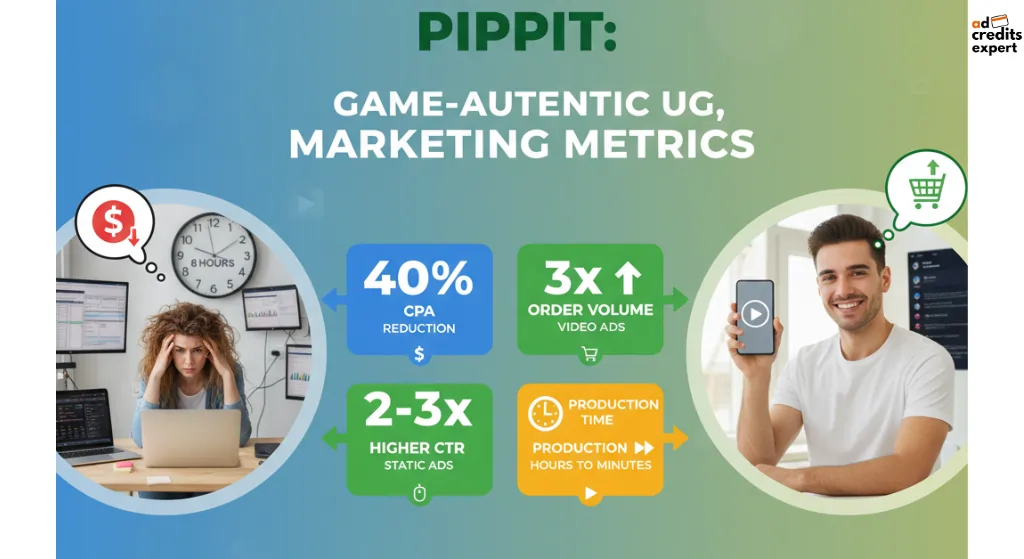
Early adopters report impressive results:
These improvements stem from Pippit’s ability to create authentic-looking UGC-style content that TikTok’s algorithm favours.
Best Practices for Maximum Success
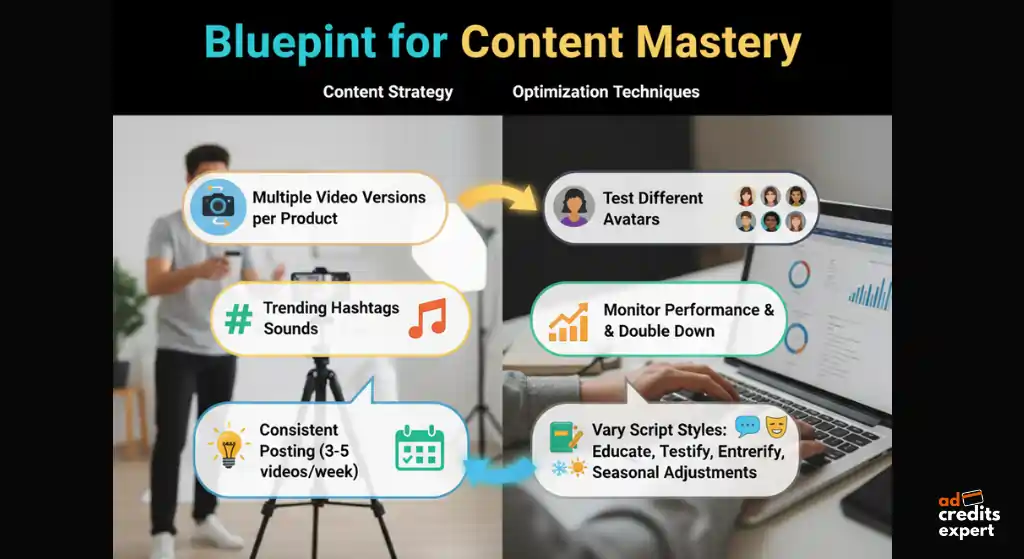
Content Strategy Tips:
Optimisation Techniques:
The Future of AI Video Creation
Early adopters scaling TikTok Shop with AI video tools are already pulling ahead. Manually filming and editing? You’re bleeding money while they automate. Pippit AI turns your product links into scroll-stopping videos in minutes.
Your competitors aren’t waiting. Neither should you.
Get started today! Sign up using our exclusive link and save up to 50% on Pippit AI subscriptions.
Don’t let competitors gain the advantage while you struggle with manual video creation. Stop overthinking—start today.

About the author

Jordan Blake
A digital advertising specialist with years of experience in optimizing ad spend and leveraging promotional credits across platforms like Google Ads, Meta Ads, and more.
Similar Posts
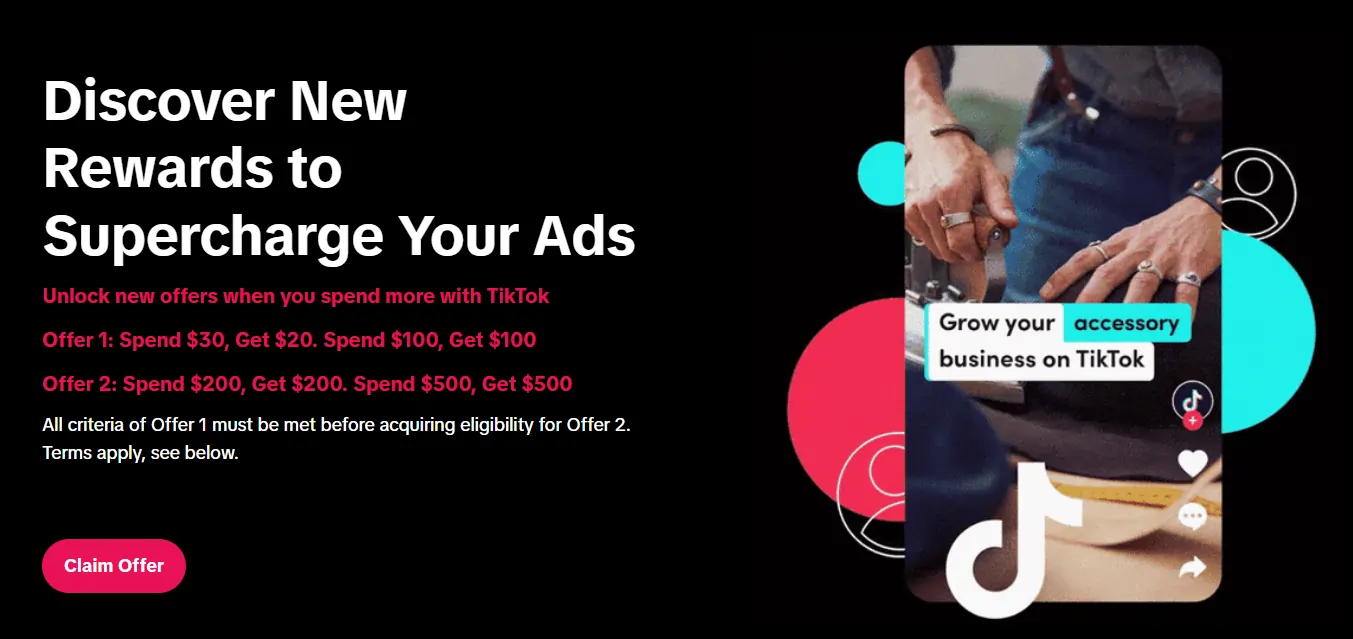
Spend $200 → Get $200
Spend $500 → Get $500
Spend $1,000 → Get $1,000
Spend $4,000 → Get $4,000
Spend $6,000 → Get $6,000

Leave a Reply